How to Edit A Receipt
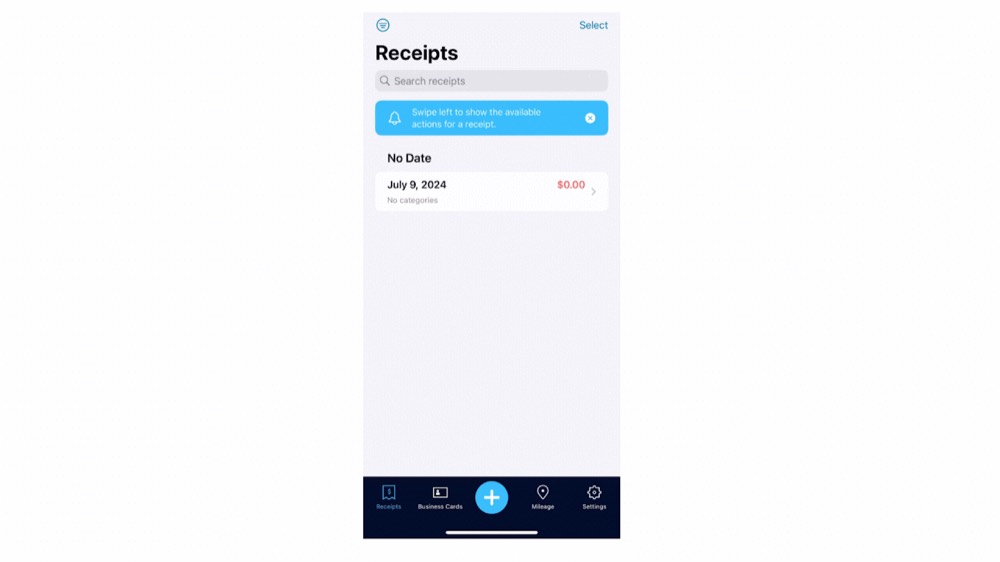
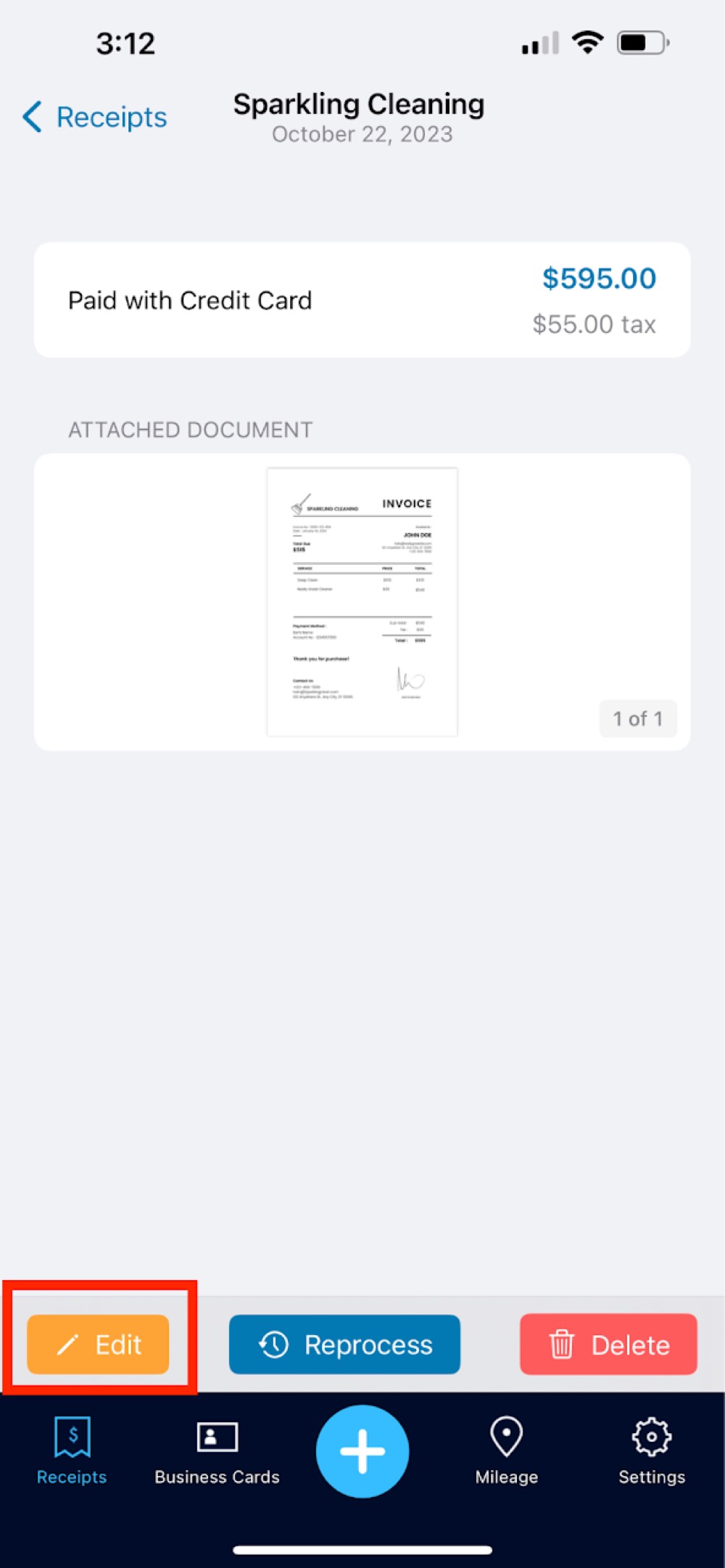
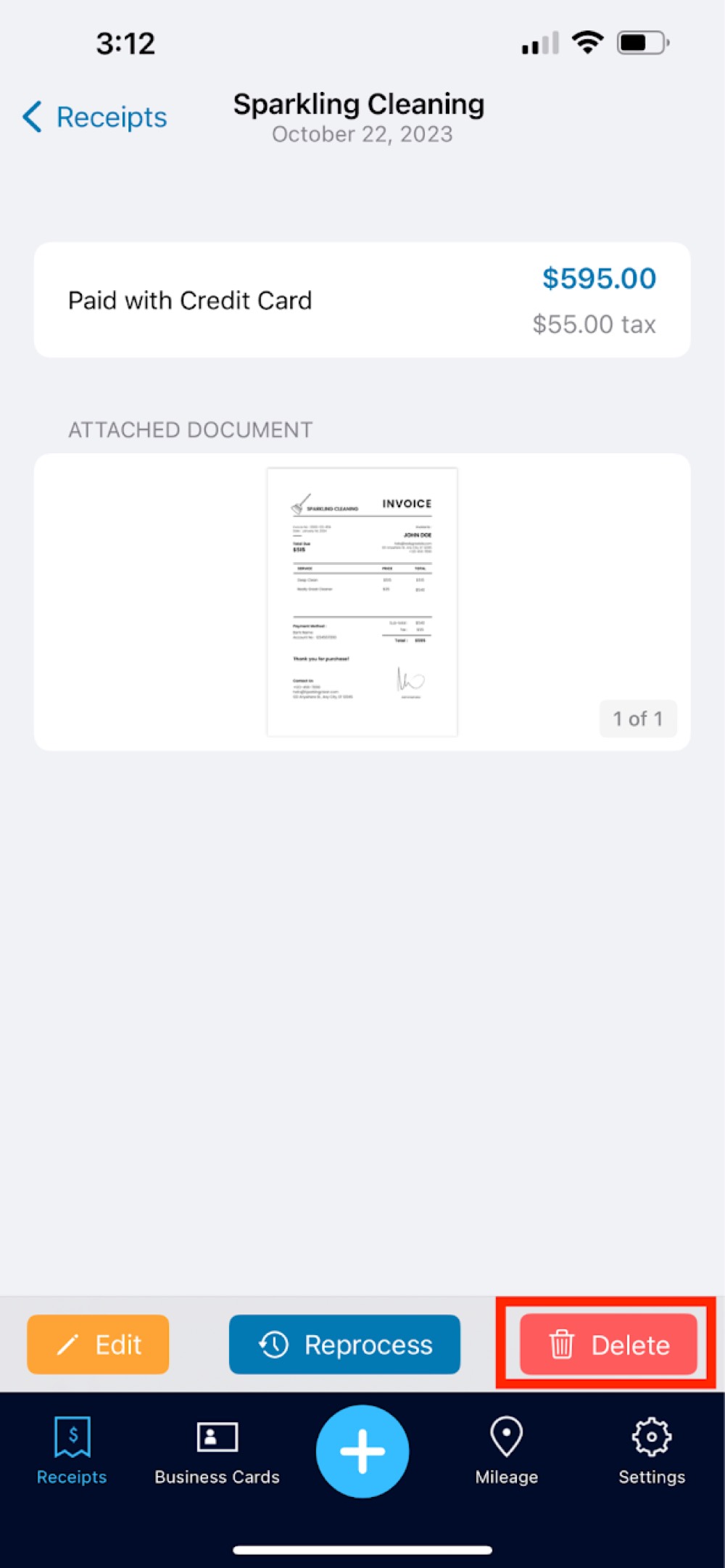
Step 1. Select a processed receipt or a receipt in processing and select Cancel Processing in the upper right-hand corner. From there, click the Edit button in the same corner.
Step 2. Here you can edit the vendor, total amount, tax amount, payment method, date and categories. Be sure to click save after making any changes.
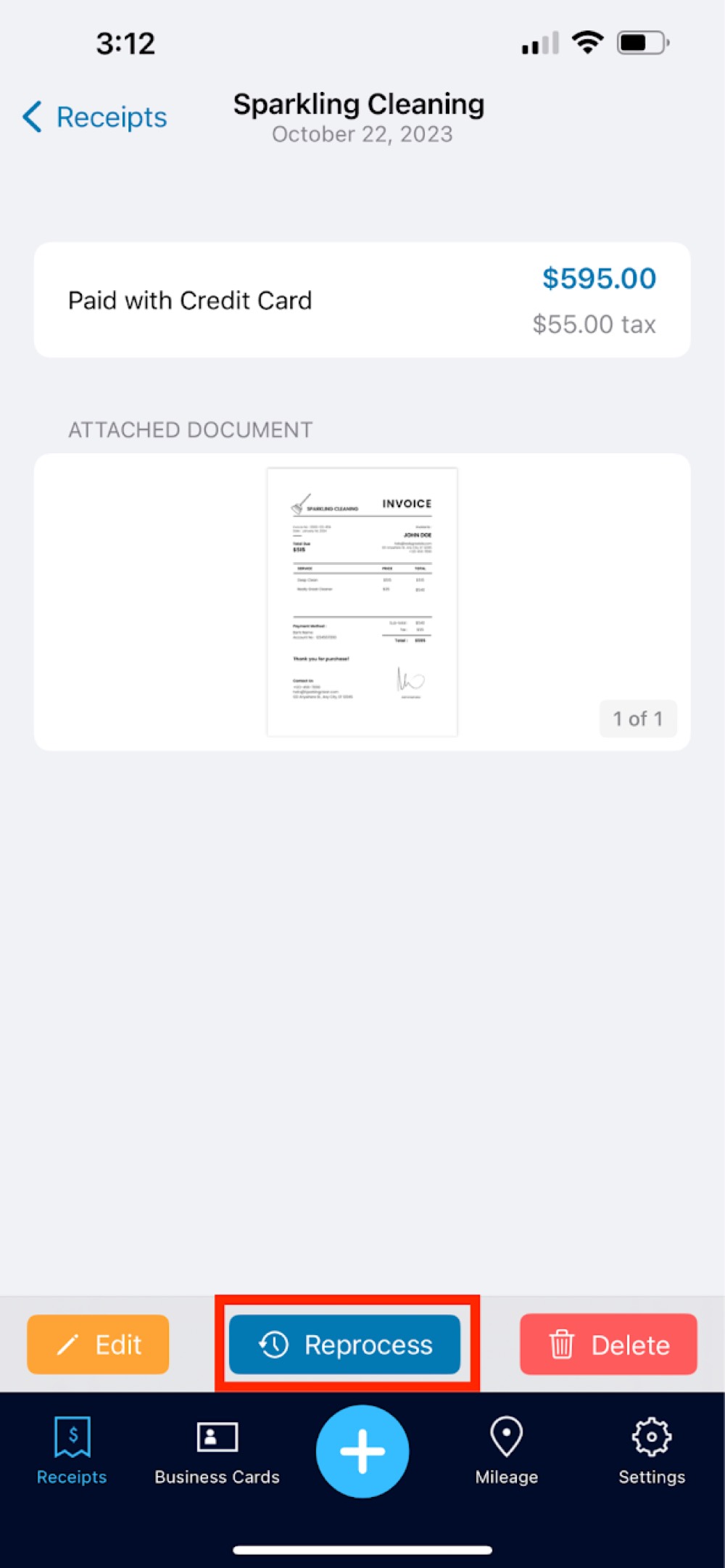
Step 3. Or you can select Re-process to send the document back through data entry.
Step 4. Lastly, you can delete the document by clicking the delete option.
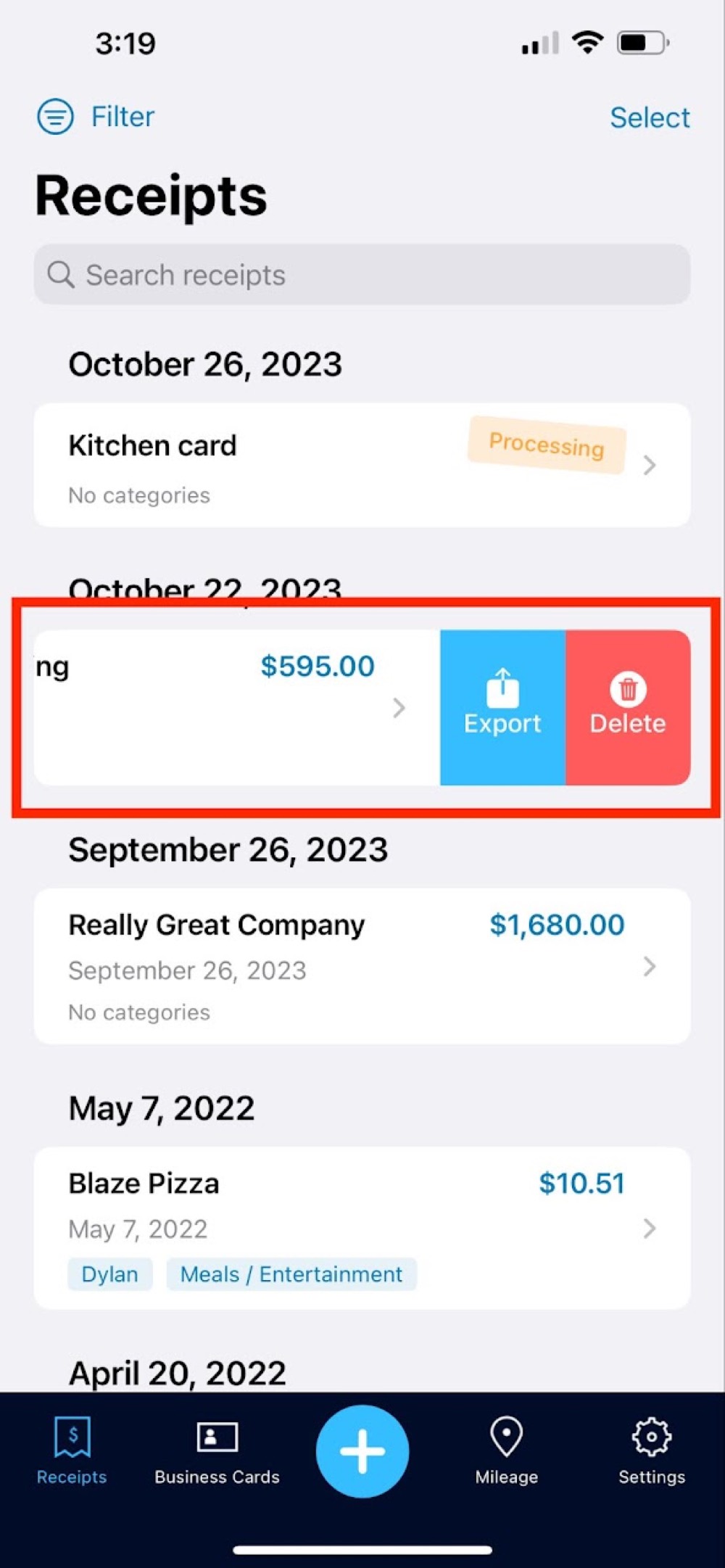
Step 5. Swiping left on a specific receipt will quickly give you the options such as exporting and deleting.