Running a Report
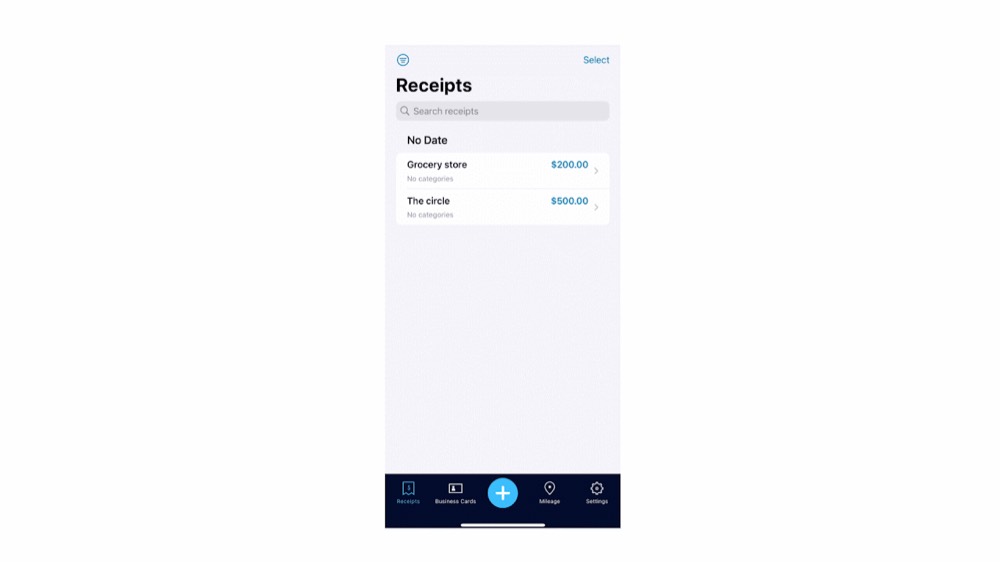
In order to generate an expense report, click Select at the top of the receipt section and select the receipts you want to export. From there, click Export and your report will be generated in your email and is ready to send!
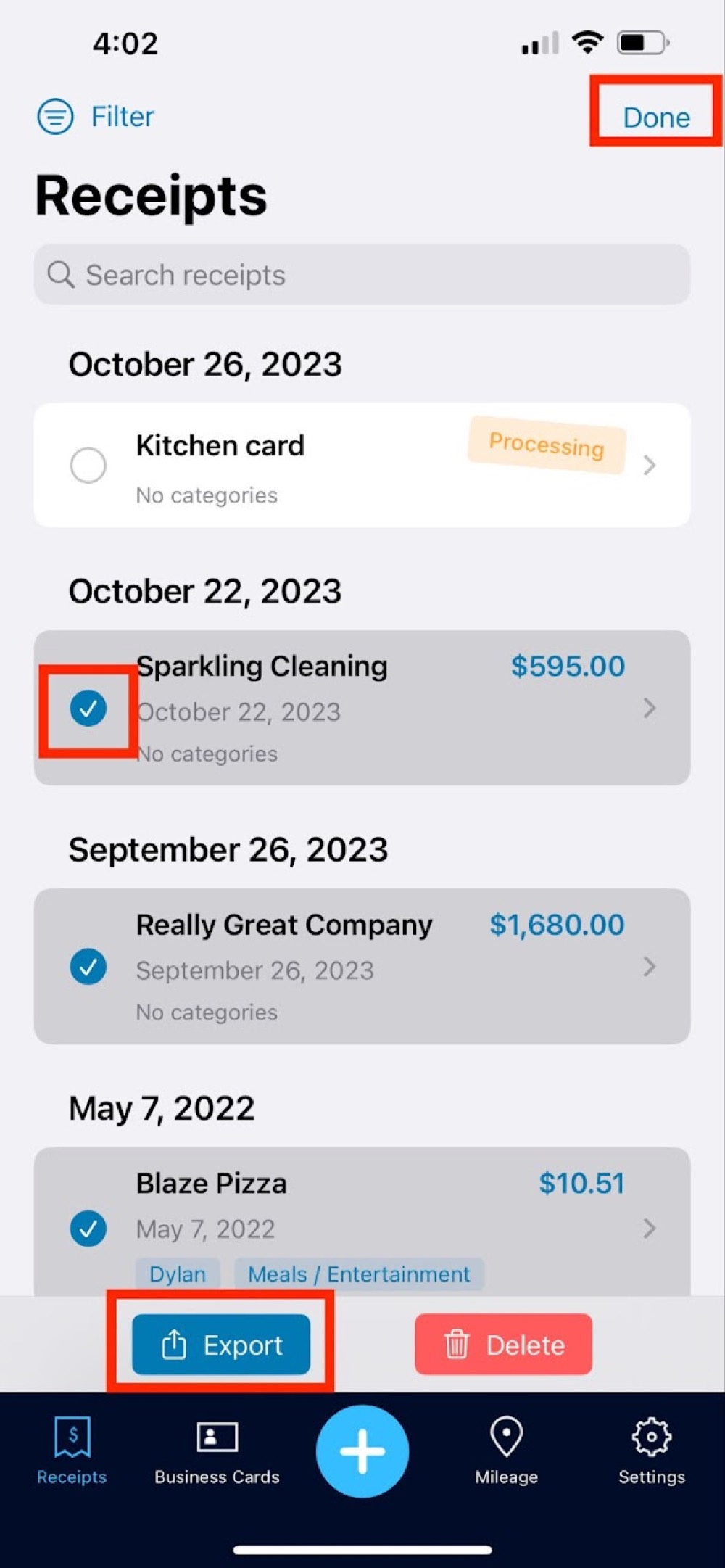

In order to generate an expense report, click Select at the top of the receipt section and select the receipts you want to export. From there, click Export and your report will be generated in your email and is ready to send!