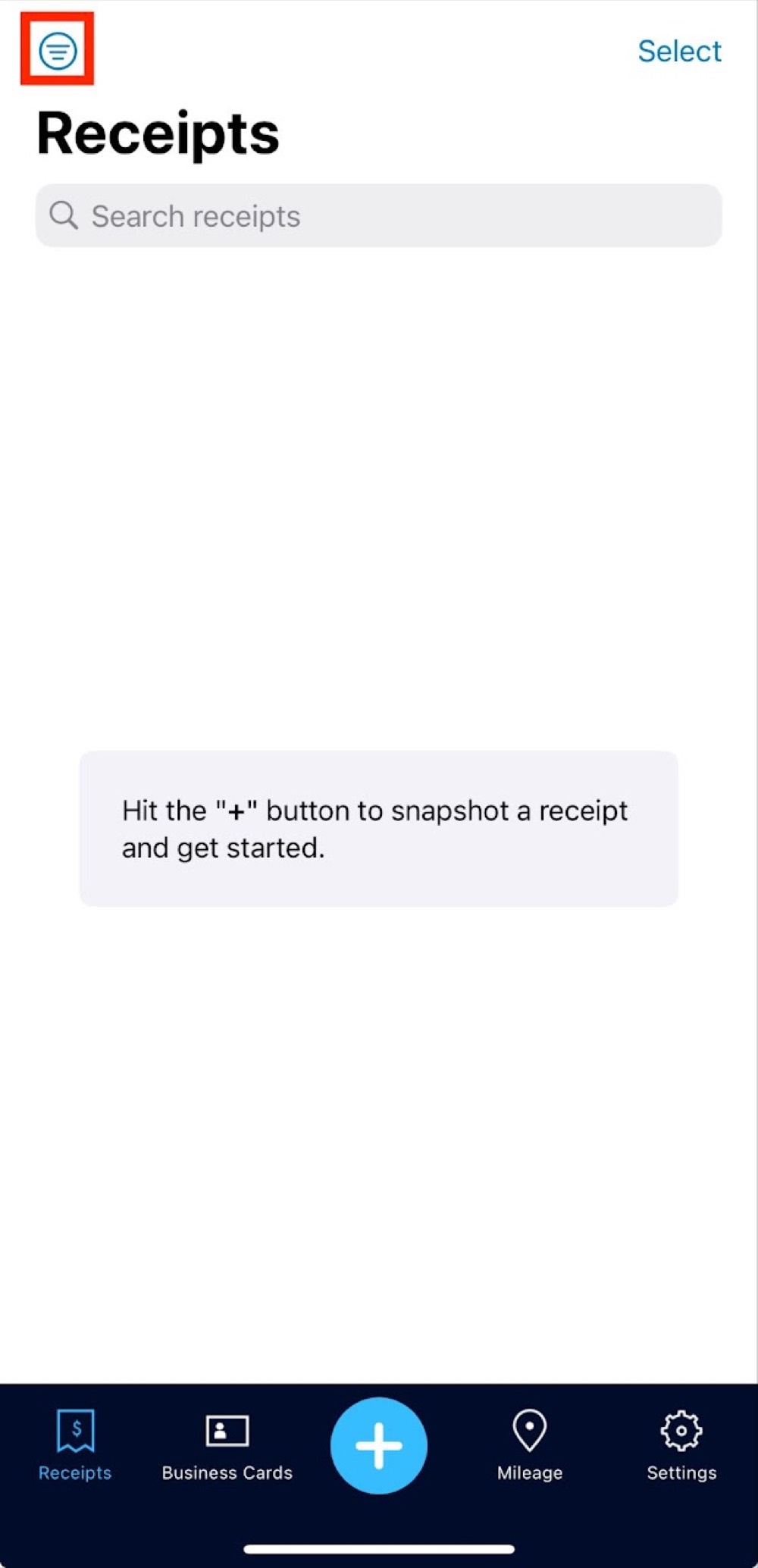
How to use the Shoeboxed Mobile App
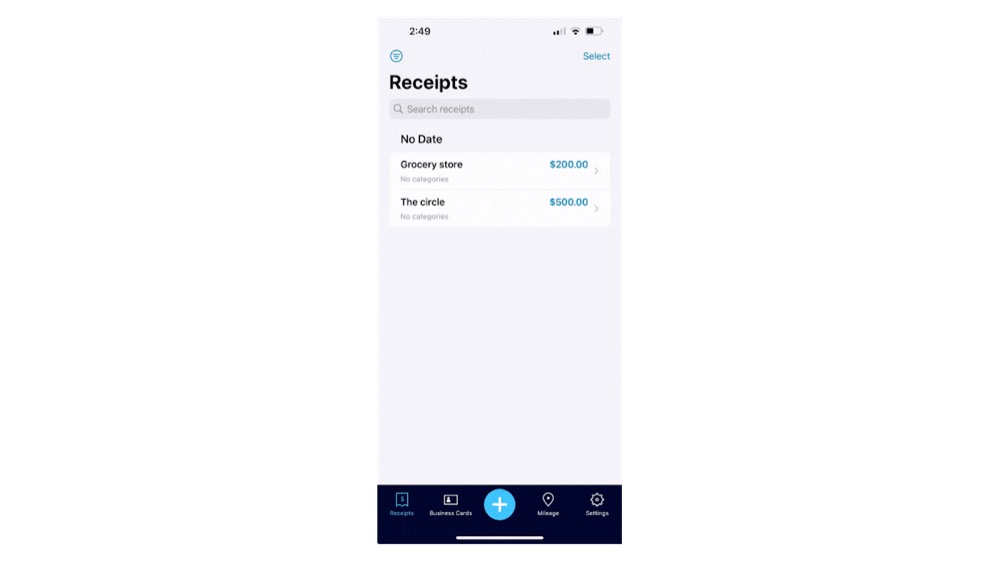
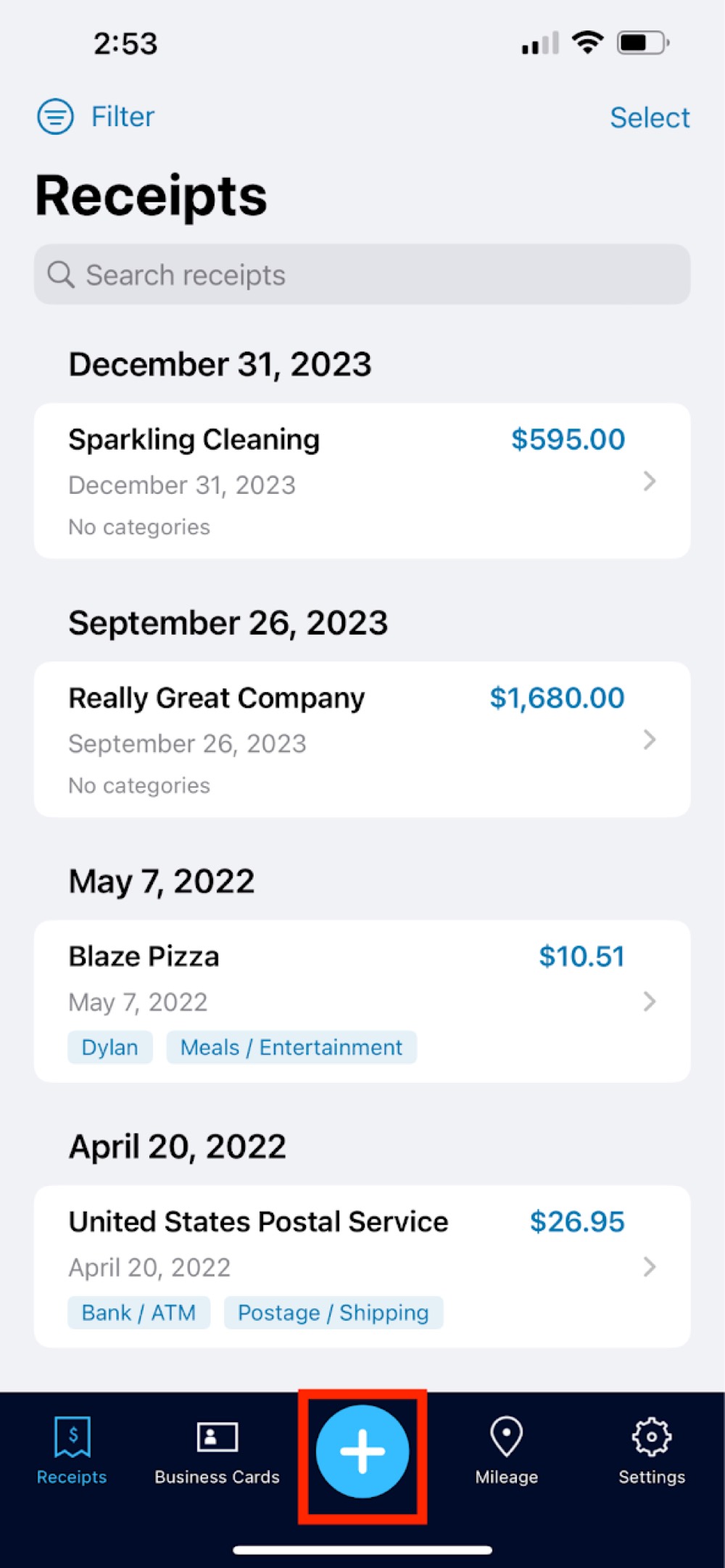
Step 1. Add a document by clicking the "+" button in the middle of the navigation bar. You can choose to take a photo or upload one from your photo library from here.
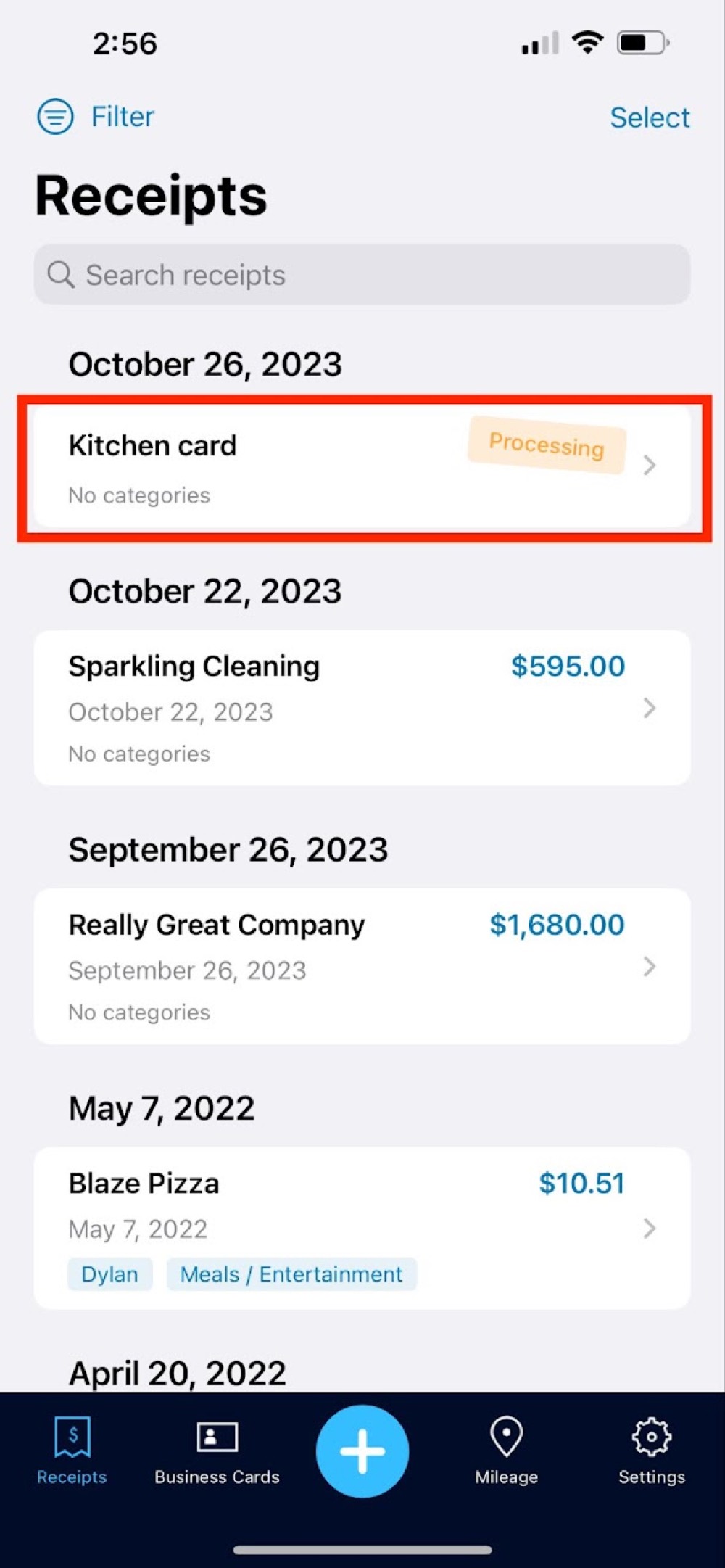
Pending documents will be listed at the top of your receipts feed as "Processing."
Step 2. View all of your receipts or business cards by clicking their label on the navigation bar.
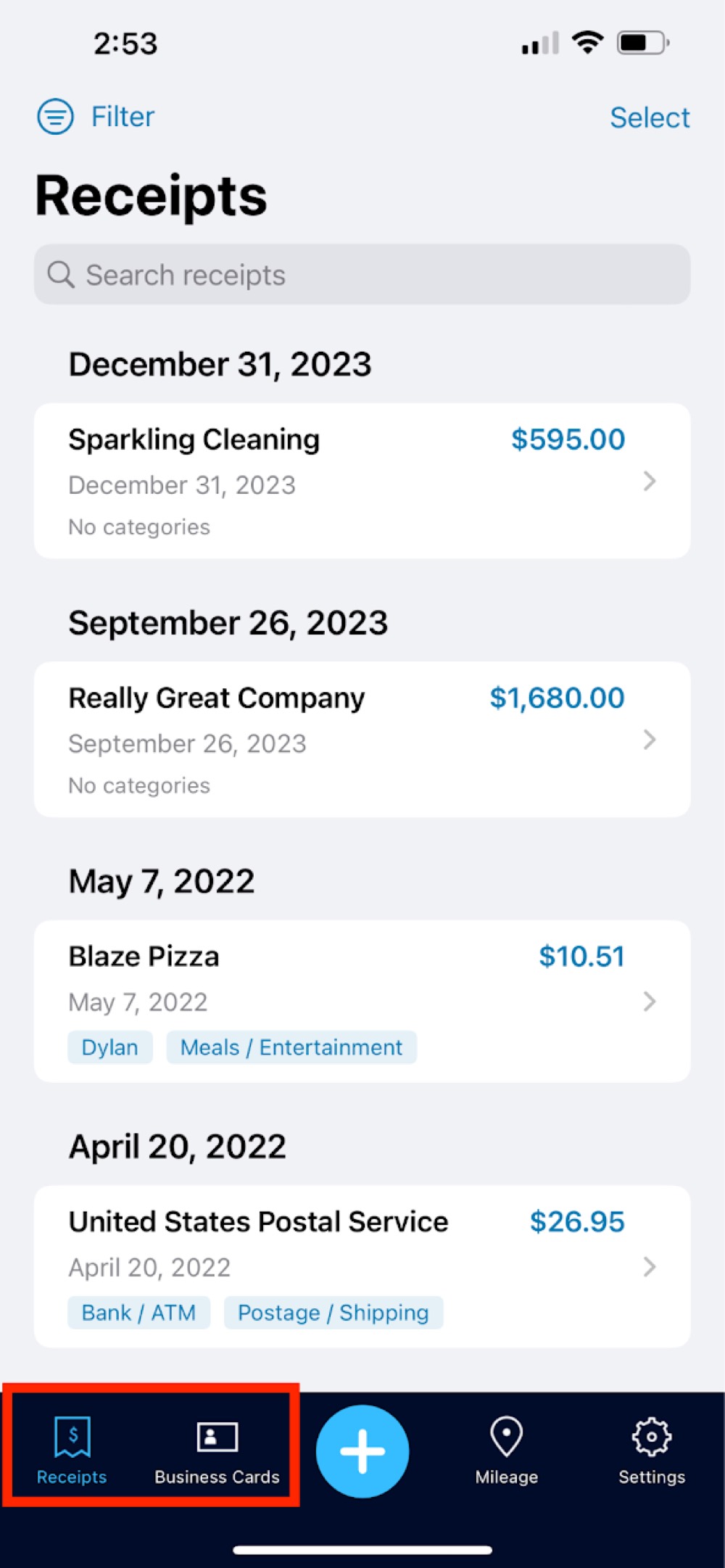
Step 3. To filter your receipts based on category or reimbursement status, click filter to the top right of the search bar.