How do I export my business cards as PDFs?
Want to export your business cards as PDFs?
Here's how:
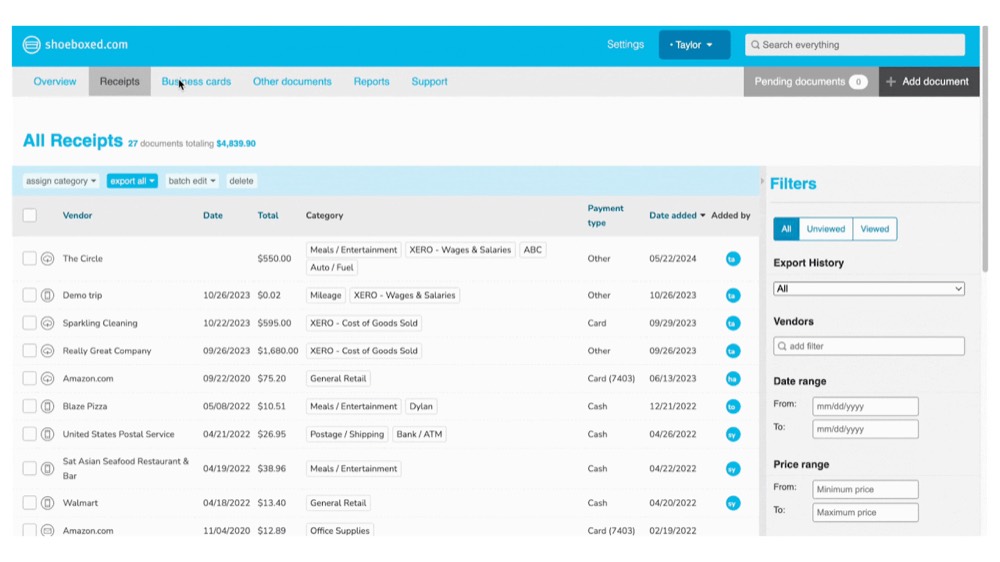
Step 1. Log into your Shoeboxed account and click on Business Cards.
Step 2. Click on the business card that you wish to export.
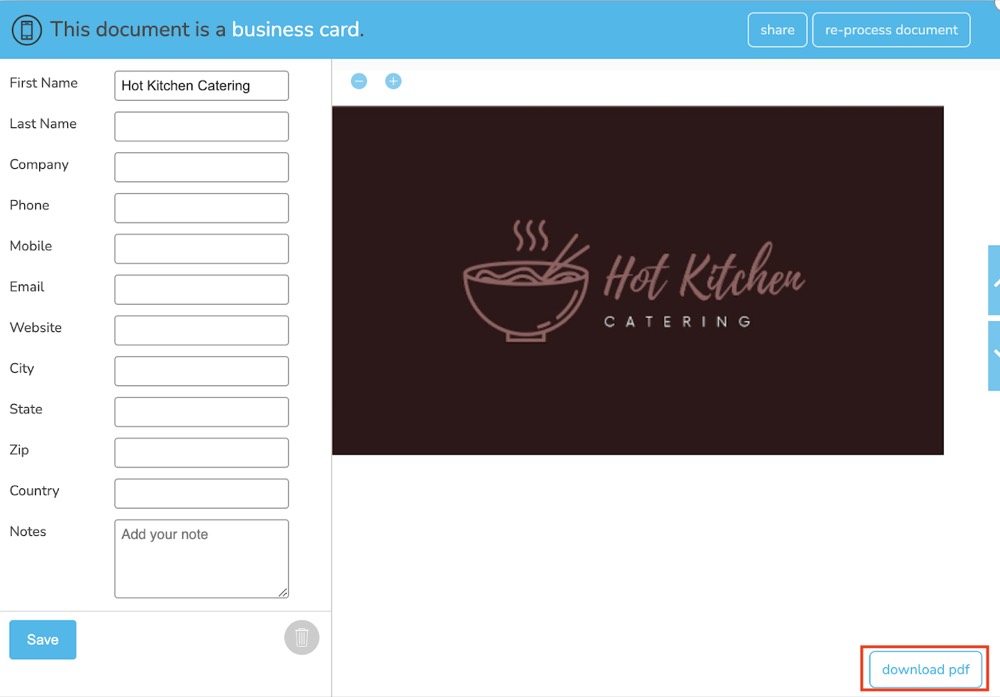
Step 3. From the viewer, click on Download PDF.