How Do I Export My Business Cards As PDFs?
Frequently asked questions about how to use Shoeboxed.


Question: How do I export my business cards as PDFs?
Answer:
Want to export your business cards as PDFs?
Here's how:
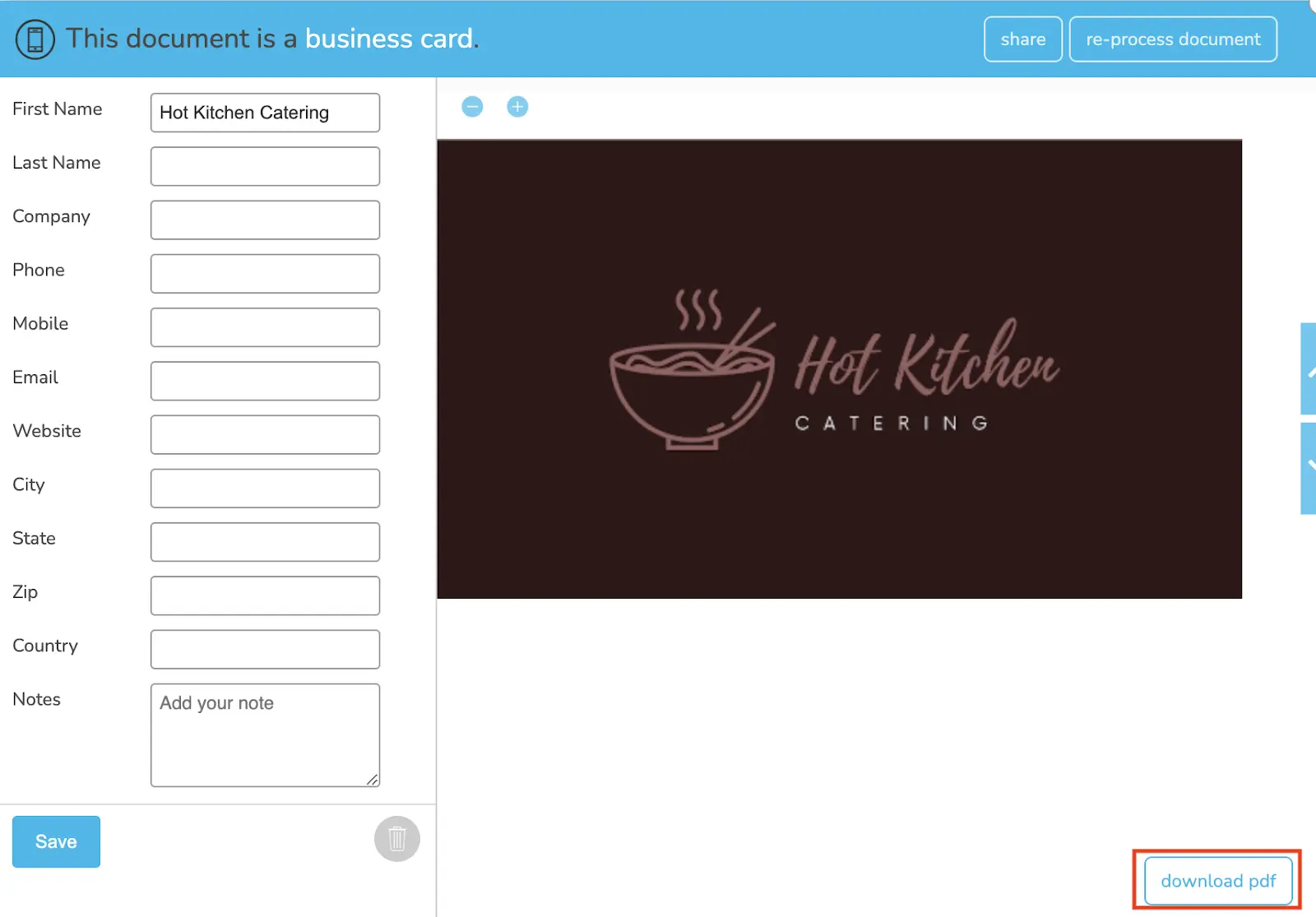
Step 1. Log into your Shoeboxed account and click on*** Business Cards***.
Step 2. Click on the business card that you wish to export.
Step 3. From the viewer, click on*** Download PDF.***
👉 Visit Shoeboxed's Knowledge Base for more information on how to use Shoeboxed like a pro!
About Shoeboxed!
Shoeboxed is a receipt scanning service with receipt management software that supports multiple methods for receipt capture: send, scan, upload, forward, and more!
You can stuff your receipts into one of our Magic Envelopes (prepaid postage within the US). Use our receipt tracker + receipt scanner app (iPhone, iPad and Android) to snap a picture while on the go. Auto-import receipts from Gmail. Or forward a receipt to your designated Shoeboxed email address.
Turn your receipts into data and deductibles with our expense reports that include IRS-accepted receipt images.
Join over 1 million businesses scanning & organizing receipts, creating expense reports and more—with Shoeboxed.
Try Shoeboxed today!
Work From Home? You Could Be Missing $500–$3,000/Year
Self-employed, 1099, or freelancer? Enter your address and we'll pull your real property data to estimate your home office deduction.
Free · 30 seconds · No signup required




 4.4 / 5 on